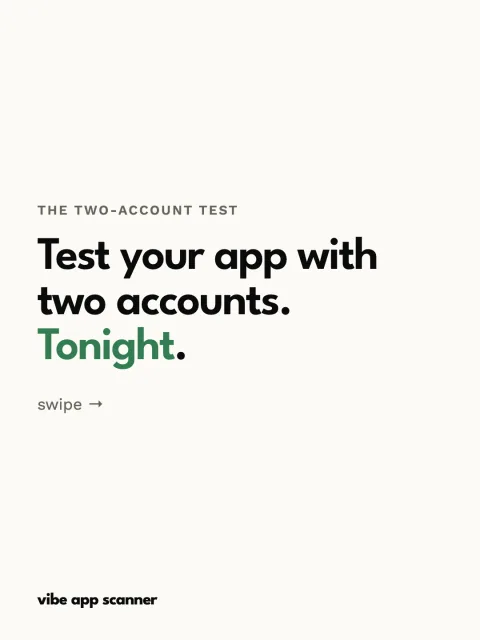
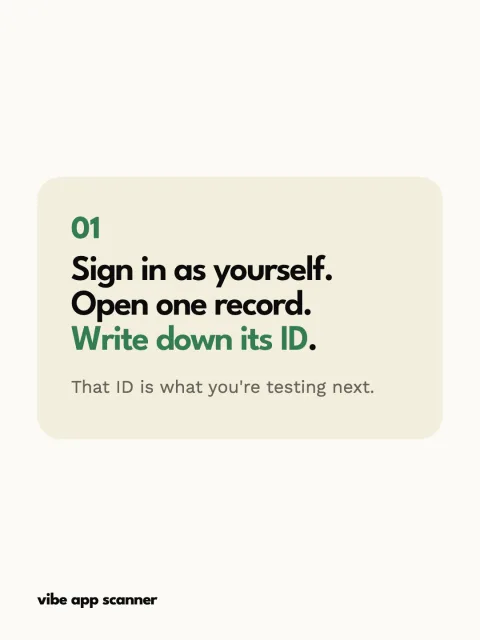
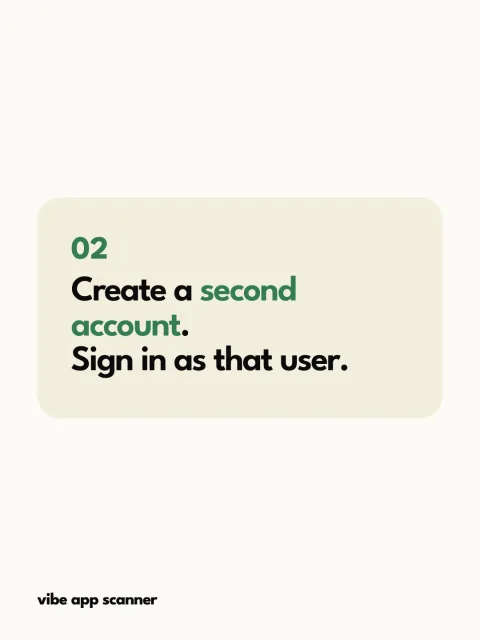
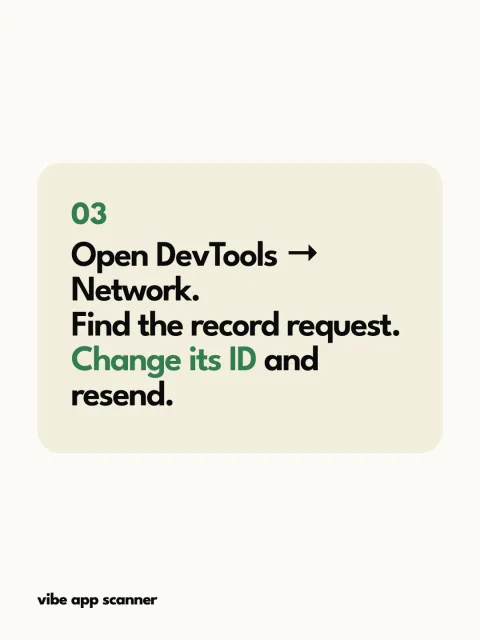

















Complete public gallery

SaaS carousel examples for Instagram and TikTok.

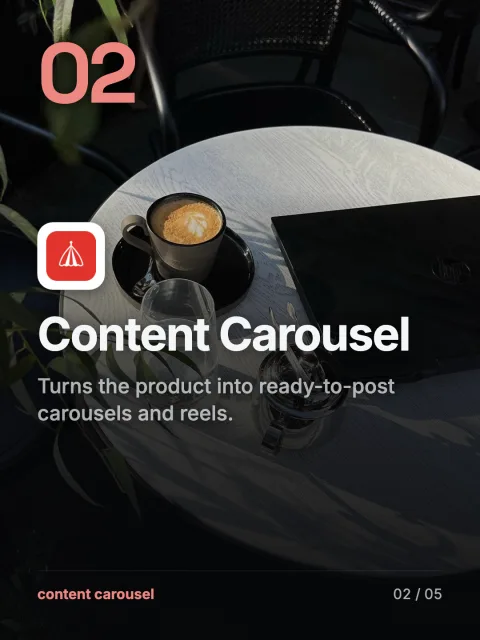
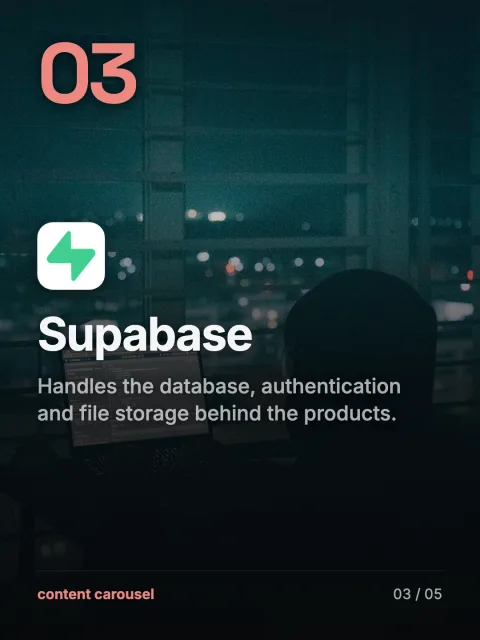
These are complete SaaS posts, not cropped mockups. Filter by category or hook, swipe through all 28 public slides and see how one idea progresses from opening to payoff.

Showing 4 of 4 complete examples.

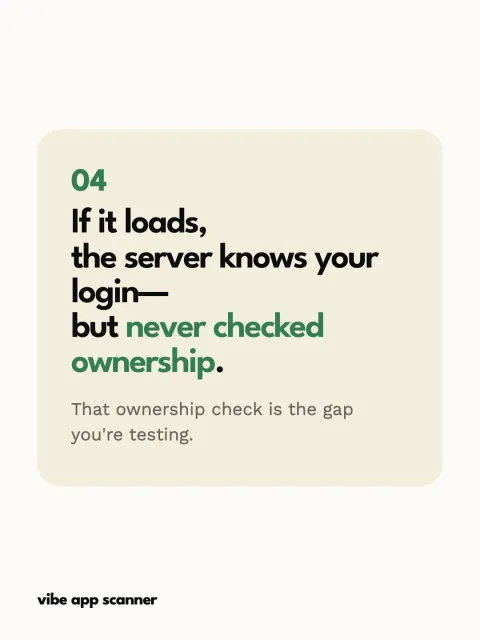
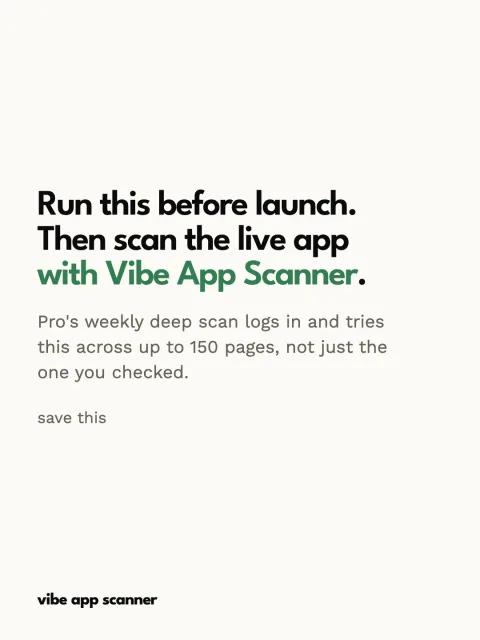
Security · How-to · TikTok, Instagram, YouTube

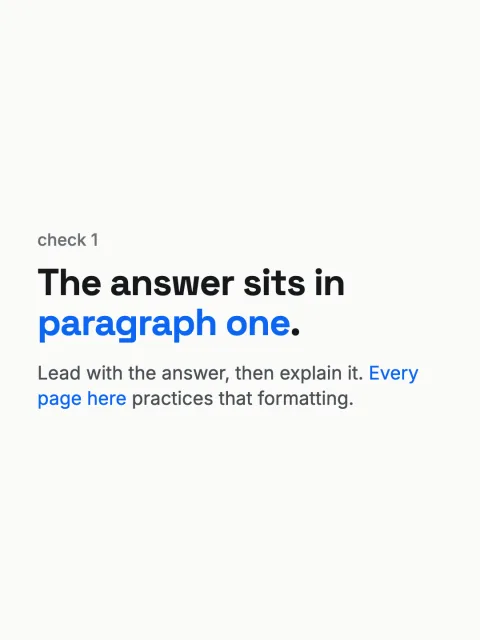
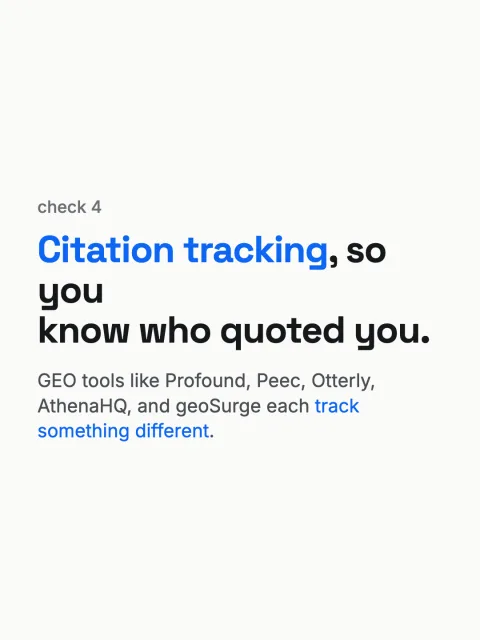
SEO · Checklist · TikTok, Instagram, YouTube

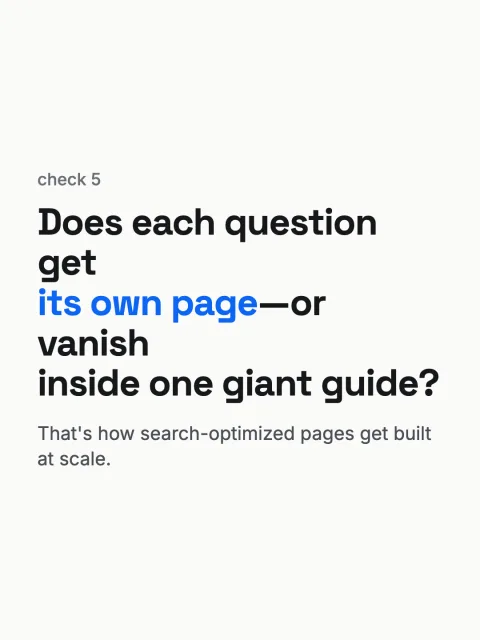
SEO · Contrarian · TikTok, Instagram, YouTube

Three complete carousel examples, with captions

These editorial examples promote Content Carousel using a list, a best-for comparison and a problem–solution story. They are not customer testimonials or evidence of engagement. Read every slide below, then adapt the structure to a real capability of your own product.

5 ways list

5 ways to keep posting while you build

Reader: A solo SaaS founder who keeps putting marketing off.

  1. Slide 1: 5 ways to keep posting while you build

    A small marketing routine for a busy SaaS week.

  2. Slide 2: Keep a question list

    Save questions people ask about your product. Each can become a post.

  3. Slide 3: Start from your website

    Content Carousel researches your SaaS before writing the slides.

  4. Slide 4: Batch the drafts

    Plan the week together. Review the claims before you export.

  5. Slide 5: Reuse a format, not an answer

    Keep the list structure. Change the customer question it answers.

  6. Slide 6: Finish in the app

    Add suitable audio and publish from your own account.

Caption: Posting can be a smaller job. Keep a question list, batch a few drafts and reuse the structures that suit your product. Content Carousel turns your SaaS brief into slides and platform-ready copy. You review and publish.

Why this structure: A counted list makes a clear promise. Each body slide delivers one action; the product earns its place by helping with that action.

Adapt it: For a security app, try “5 checks before you share your app.” For a booking app, try “5 ways to cut appointment admin.” Include your product where its actual capability helps.

Best-for comparison

3 ways to make your next SaaS post

Reader: A founder deciding between a quick manual post and a repeatable content workflow.

  1. Slide 1: 3 ways to make your next SaaS post

    Pick the approach that fits the material you already have.

  2. Slide 2: A screenshot and a caption

    Best for showing one visible product change.

  3. Slide 3: A reusable slide layout

    Best when your copy is ready and you want to design the post yourself.

  4. Slide 4: Content Carousel

    Best when you want website research, written slides and captions in one workflow.

Caption: Showing one new feature? A screenshot may be enough. Already written the story? Put it into your slide layout. Need help getting from your SaaS website to a complete post? That is where Content Carousel fits.

Why this structure: Compare approaches to the same job. A best-for label is more useful than pretending every option deserves an objective score.

Adapt it: Choose a task your product genuinely helps with. Explain when a manual method, a reusable template or your app fits. Do not invent competitor weaknesses or give yourself a 10/10.

Problem → solution

Still staring at a blank first slide?

Reader: A SaaS founder with a product to promote but no first draft.

  1. Slide 1: Still staring at a blank first slide?

    Your product page gives you a place to start.

  2. Slide 2: Let Content Carousel read it

    It researches your SaaS website to build a product brief.

  3. Slide 3: Correct the brief first

    Check who the product helps and what it can actually do.

  4. Slide 4: Review a complete draft

    Edit the slides and caption before you publish.

Caption: Start with what your product already does. Content Carousel researches your website and uses the brief to draft your social content. Check the facts, edit the post and publish from your own account.

Why this structure: The product appears early because its mechanism answers the opening problem. No extra suspense slides or invented success story are needed.

Adapt it: Name a situation your audience recognizes. Show the specific feature that helps, then explain the next action. Keep hypothetical situations distinct from real customer results.

A numbered list needs one item per body slide. A short story can introduce the product sooner. Neither needs extra cards just to reach a target length.

Create a version grounded in your product.

Content Carousel researches your SaaS, writes the slides, designs the post and packages the caption and vertical reel.

No account needed to research your public website.